![[object Object]](https://umsousercontent.com/lib_LTYDFzZbGavgeLsO/e1ag7ygwxlyh8zpo.png?w=136)
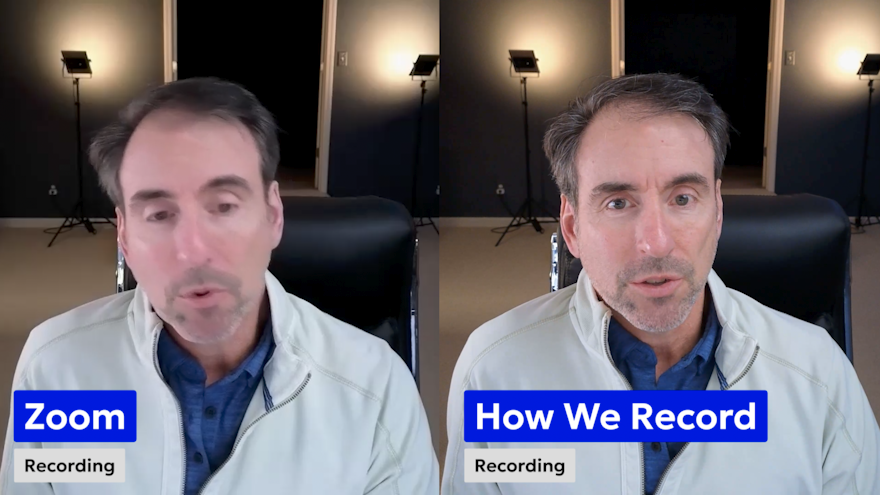
"Zoom" Has Become a Household Word.
Here's something I don't always get into on client calls: when I say "we can do the interview over Zoom," I don't actually use Zoom. Zoom has become a household word — like saying Kleenex when you mean facial tissues. But for recording a legacy video interview, Zoom isn't the right tool. Here's why, and what we use instead.
Everyone has been on a Zoom call where someone's picture goes in and out, the connection cuts for a second, or the image looks soft and pixelated. That's not a bug — it's by design. Zoom is built to prioritize a smooth meeting experience. To do that, it automatically drops your camera to a lower resolution so it can stream more reliably. Even if your camera is capable of 4K, Zoom will switch it down the moment you join a call.
That's fine for a work meeting. It's not fine for recording something that needs to look like a film.
The Question Clients Ask
One of the first things that comes up when I talk with families about doing a legacy video is this:
"what's the difference between hiring someone locally versus doing it with you remotely over Zoom?"
It's a fair question. The concern behind it is usually quality — will a remote interview look as good as having a camera crew in the room?
The short answer is yes. The longer answer is below.
Why Remote Actually Works Better for Legacy Interviews
A professional film crew coming into someone's home sounds impressive until you think through what that actually means.
Equipment setup. Lighting rigs. Scheduling a full crew for a single day.
And for legacy videos specifically, that creates a real problem.
What I hear from families regularly: "My father can only hold his attention for so long." Or "Mom gets tired — how do we keep the sessions short?".
When you're trying to capture a life story, you need a couple hours of footage. But that doesn't have to happen all at once.
The way I've evolved this to make it easiest for clients is to break it down into smaller recording sessions done remotely. If I feel like someone's energy is waning, or they're not telling the story with the excitement they usually have, we pause. We pick it up the next day or two days later.
No crew to reschedule. No equipment to pack up and bring back. Just pick the interview back up where we left off in a day or two.
How We Actually Record
How technical is this? I send you a link. It's as easy as joining a Zoom call — no equipment to buy, nothing complicated to install.
What happens on the other end is different from Zoom. Instead of your video being compressed and streamed through the internet, the software records directly on your device at full quality. Your camera stays at the resolution it was set to. When the interview is done, the file that was recorded at your location THEN uploads to me — a separate video track and audio track, just from your side, highest quality, raw file, clean and uncompressed.
If the internet connection drops for a moment during the call, it doesn't matter. The recording on your end keeps going.
When we reconnect, we pick up where we left off. I get the file after, and work with it the same way I would if I had been there in person with a camera.
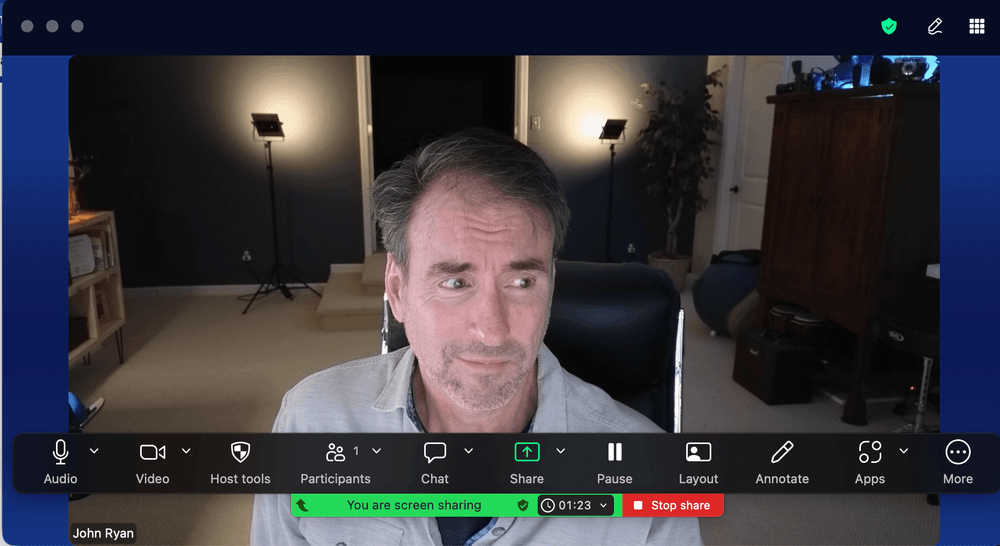
No Zoom menu bars. No screen share icons. No recording artifacts. Just you, in your home, in whatever room you've set up in — talking.
See the Difference
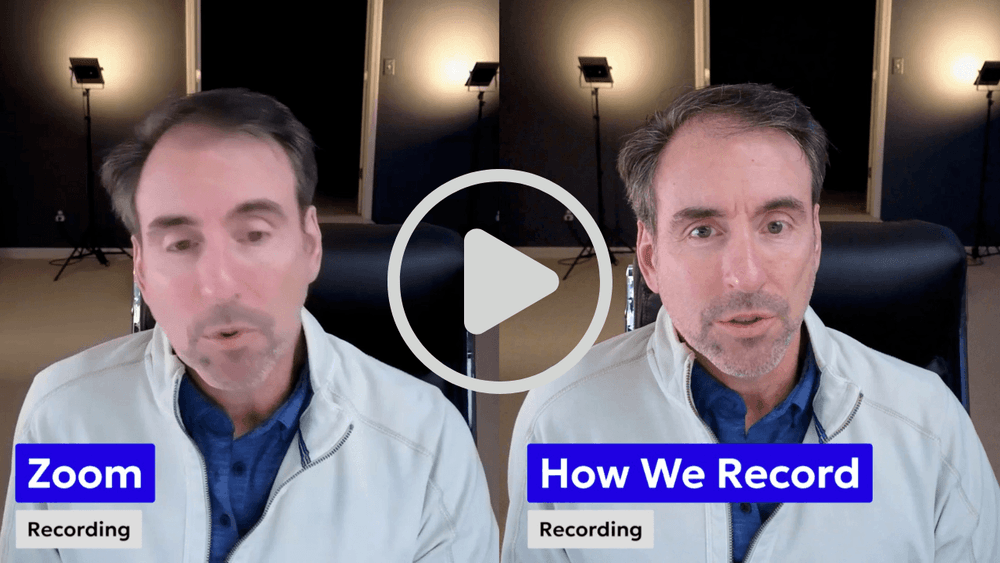
[See example here: https://vimeo.com/1194115778]
The Quality Proof
The side-by-side comparison in the video says more than I can in text. But here's the technical reason for what you're seeing: Zoom records what's happening as it passes through their servers — it captures the stream, not your camera.
Professional interview recording software captures what your camera actually sees, and records right there in your home, before it ever touches the internet.Then it sends me the file.
The result is the difference between a Zoom call and studio-quality footage.
Both are watchable.
One really stands out when it comes to having interview footage to build a film around.
We can record in 1080 or 4K. The quality ceiling is your camera, not the software.
*(also - in some cases, I'll send, a better webcam camera - one that can record higher quality audio and HD and Ultra HD video - it's not always necessary, but ask me if you're concerned about the setup at the location).
A Generation From Now, Nobody Will Care
I want to be honest about something. I put this video together partly because I don't want anyone to choose a local camera person over working with me remotely based on a quality concern that isn't real.
But here's the thing I keep coming back to: when someone watches this legacy video a generation or two from now, they're not going to ask whether the interview was done in person or remotely.
No one is going to care.
What they want to hear is Grandma's story. Grandpa's story. The matriarch, the patriarch, the person whose life is being preserved.
The story is what lasts. The recording quality just needs to be good enough to honor it — and it will be.
Frequently Asked Questions
Do I need to download anything to do a remote interview? No. You receive a link and join from your browser. Nothing to install, no account required on your end.
What do I need on my side for a good recording? A laptop or desktop with a built-in camera is enough. Good lighting helps — ideally natural light facing you rather than behind you. I'll walk you through a quick setup check before we record. And I always do a test at the start.
What if our internet connection drops during the interview? The recording continues on your end regardless of the connection. A dropped connection affects what we can see and hear in real time, but not what gets captured. We just pick up where we left off.
Is the quality really comparable to an in-person camera crew? For the purposes of a legacy video — yes. The footage is captured locally at full resolution, edited professionally, and supplemented with photos and video clips from your family's history. The interview is the spine of the film, not the whole picture.
What if I want to do the interview in person? That's a conversation worth having depending on your situation and location. Remote is how most projects work, and the results speak for themselves — but every legacy video is customized to what works best for you and your family.